Creation Studio
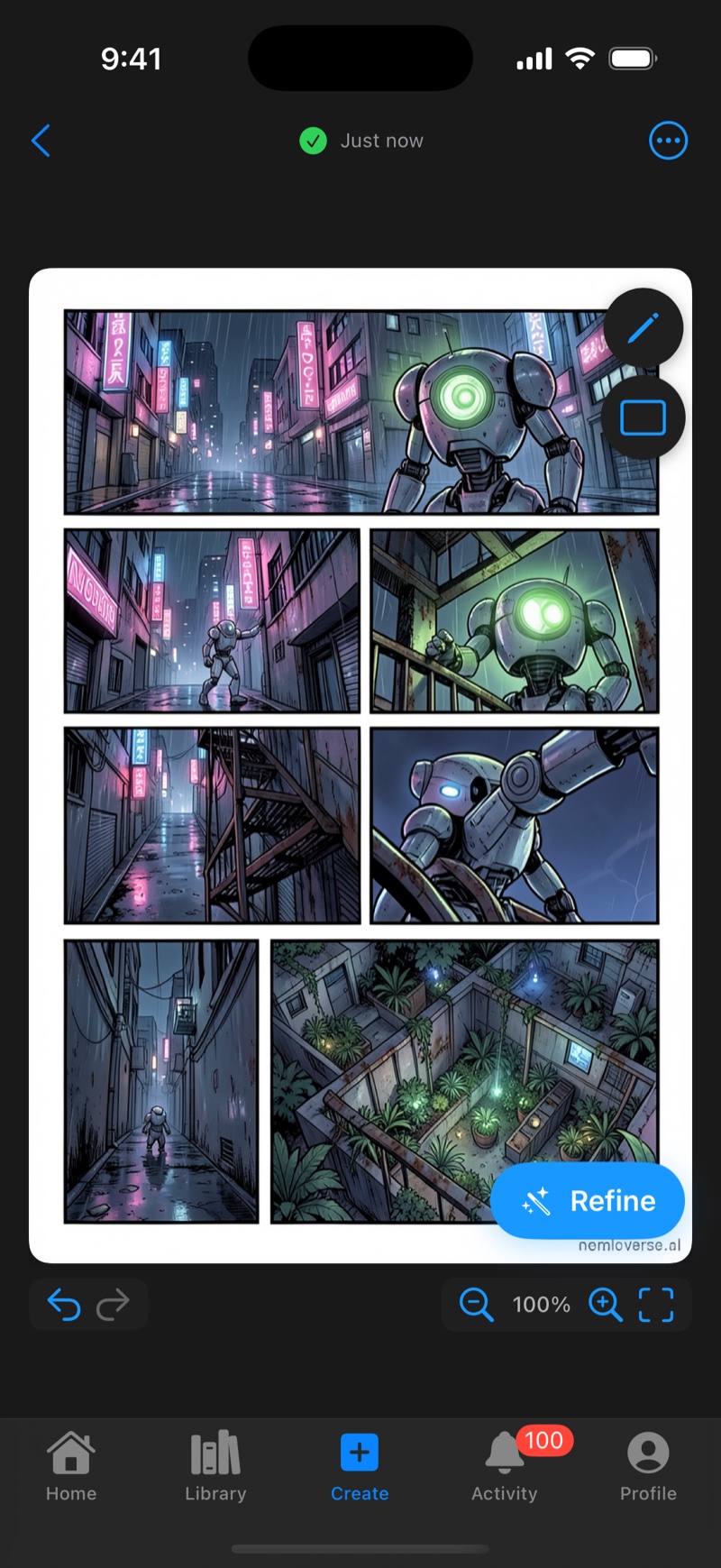
The Create tab is a full studio for making your own comics. Describe the story you imagine, let AI generate the pages in your chosen art style, then refine the result with drawing tools and publish it to your library.
How It Works
Creation is AI-first. Generation does the heavy lifting, and the canvas tools are there to make it yours.
- Generate. Write a prompt, pick a style and page count (1 to 5), and tap Generate. See AI Generation & Credits.
- Refine. Regenerate any page with new instructions, erase artifacts, draw touch-ups, and add dialogue with the text tool. See Canvas Workspace.
- Publish or export. Send the finished comic to your library as a CBZ, or share pages as images.
You can also start from a blank canvas and draw everything by hand. AI is optional per page.
Projects
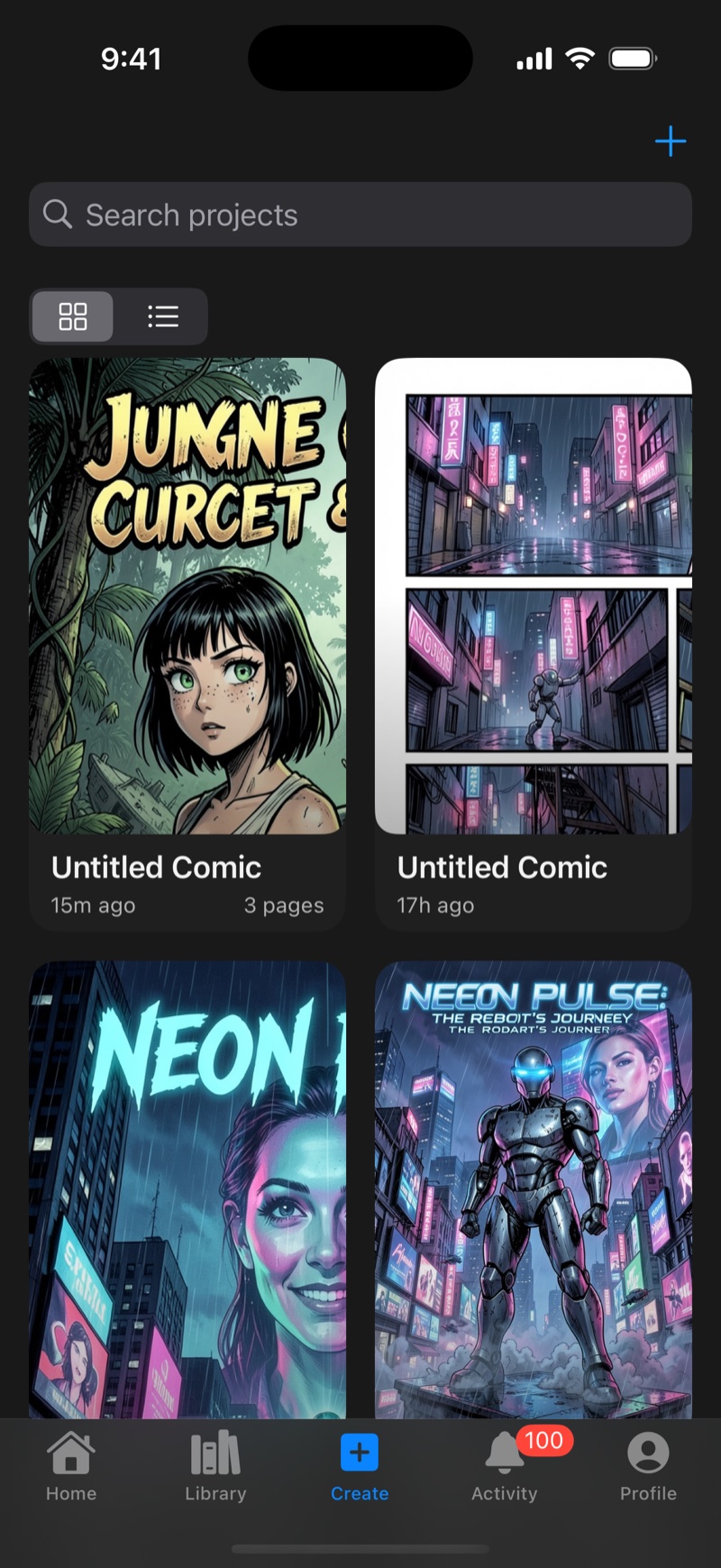
The Create tab opens on your projects, every comic you're working on, in grid or list view with search. Tap + for a new project, or tap any project to continue where you left off.
Projects autosave as you work. The indicator at the top shows unsaved changes in orange and saved in green. Saving explicitly lets you name a project and add tags, which makes search easier. Projects support multiple pages. Add pages manually or generate several at once, and navigate them with the page strip.
Publishing and Exporting
From the canvas menu (⋯) you have two options. Publish to Library renders all pages into a CBZ comic and adds it to your library, ready to read like any other comic. Export shares a single page as a high-resolution image, or a multi-page project as a CBZ, via the iOS share sheet.
An optional watermark on exports can be toggled under Profile → Export Watermark.
What You Need
Drawing and canvas tools work offline with no account needed. AI generation requires being signed in with Apple, uses credits, and needs an internet connection while generating.